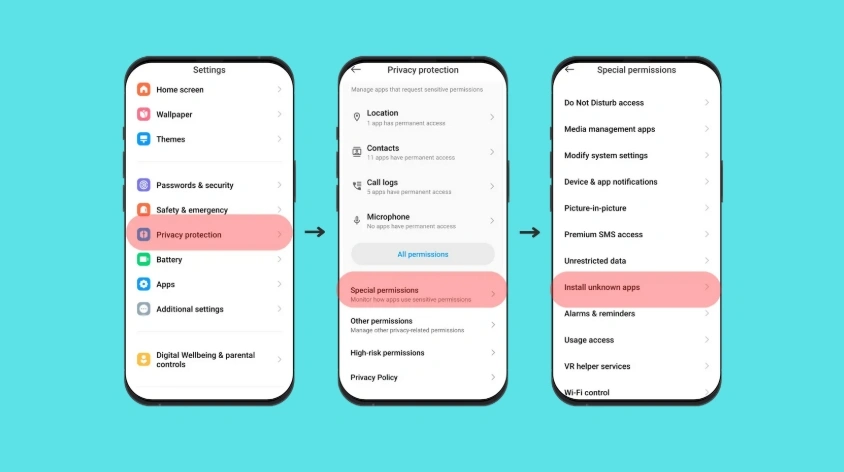
Match the message
| Android says | Usual cause | What to do |
|---|---|---|
| App not installed | Blocked unknown apps, low space, or a build this phone cannot run | Allow installs for the app that opened the file, free space, then check the Android version |
| Problem parsing the package | The download stopped early | Delete the file and download it again. Do not rename the extension |
| App not installed because a conflicting package exists | Another GB or WhatsApp copy uses a clashing signature | Back up first, then remove only the copy you no longer need |
On Samsung and Xiaomi phones, “install unknown apps” is per app. If you opened the APK from Files, Chrome’s permission does not count. Turn it on for the app that showed the installer.
When the phone itself cannot run the file
A parse error on a complete download is often the wrong Android version or a 32-bit package on a 64-bit-only phone. Check Settings → About phone before you try a third mirror. Whether this Android version can run GB WhatsApp Pro is the check to do before you uninstall the app that already works.
Before you remove the old copy
Uninstalling to “make room” for a new signature deletes local chats unless a backup exists. If you still need those chats, finish saving chats from the GB WhatsApp you already have installed while that copy still opens. Then remove the conflicting package and install once.